Built for the craft.
Vector art has always demanded precision, patience, and a trained hand. PolyGlyph changes what's required — not what's produced. You describe. The pipeline builds. You refine. Every output is real SVG — clean paths, discrete layers, anchors you can grab.
From words to vectors in four steps.
Describe
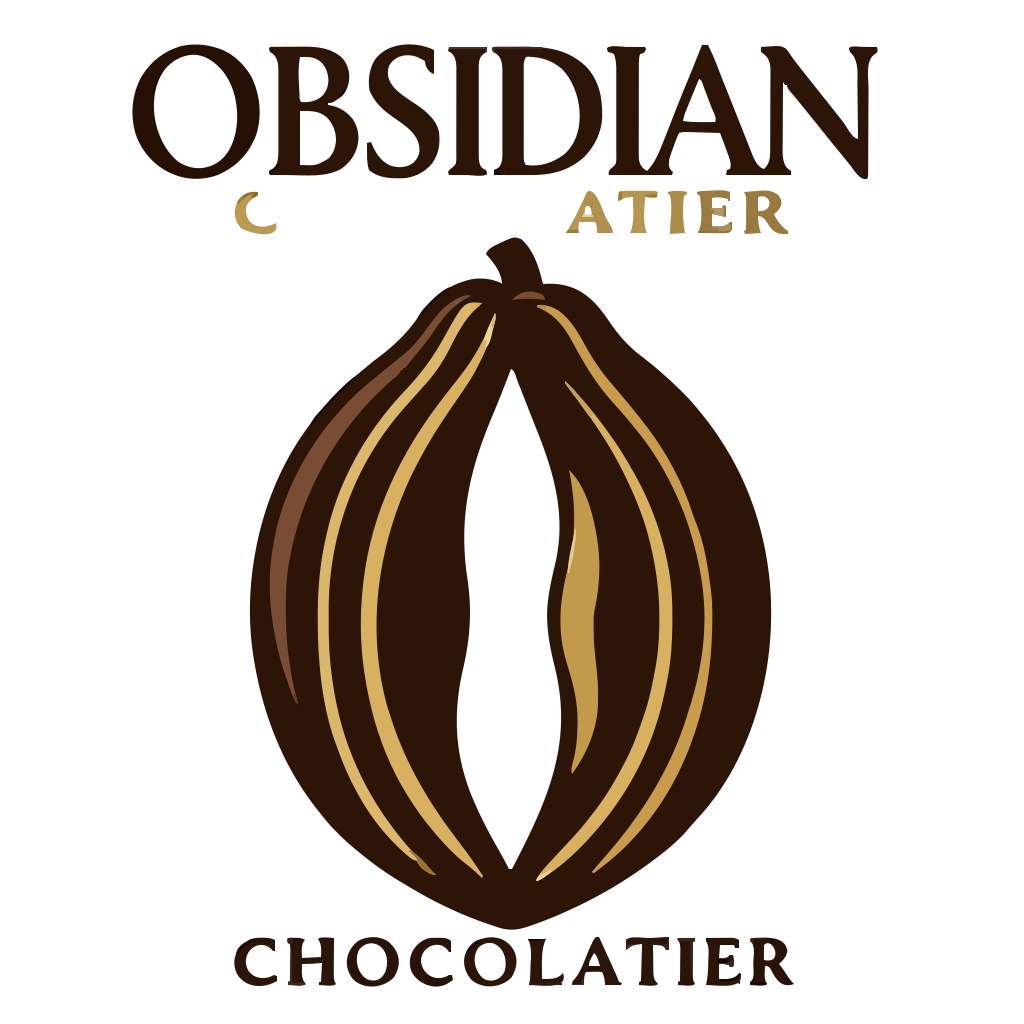
Type what you see. A jazz musician, a samurai warrior, a logo for a chocolate brand. The prompt is your starting point — plain language, no syntax.

Vectorize
Advanced tracing converts the raster into structured vector geometry. Not an auto-trace hack — a multi-pass pipeline that understands color regions, edges, and layering.

Optimize
Path simplification reduces segment count without visible loss. Color consolidation merges fringe colors. The result is tight, production-grade SVG.
Edit
Every path loads into a full vector editor. Pull anchors, swap fills, reorder layers, adjust handles. The vector is yours to shape until it feels right.
Not another image generator.
Real SVG, real paths
No SVG-wrapped rasters. No base64-encoded PNGs inside a <image> tag. Every output is made of actual <path> elements with clean d attributes — individual layers, each with its own fill.
Built-in editor
Adjust every path, color, and layer right in the browser. Select, transform, edit anchors, swap fills, reorder layers. No round-trip to Illustrator. No download-edit-reupload cycle.
One credit, one generation
No subscriptions, no token buckets, no usage tiers. Buy a credit pack when you need one. Each generation costs one credit. Ten free on signup — that's enough to know if it works for you.
See what you can make.
Ten free credits. No card required. Open the editor and describe something.
Open Editor