A practical guide
to prompting for SVG.
How you phrase a prompt changes what you get back. This guide covers the patterns that consistently produce better results, with examples for illustrations, logos, and icons.
Four principles worth learning first
Put the subject first
Early words carry the most weight. Start with what you want to see, then add style and detail after.
In the style of ukiyo-e, with bold flat colors, a samurai warrior standing in the rain A samurai warrior in full armor, standing in the rain, ukiyo-e style, bold flat colors Say what you want to see
The generator has no concept of negation. Words like "no gradients" often produce the opposite. Describe the result you want in positive terms.
no gradients, no textures, no outlines, a clean icon A clean icon with flat solid fills and sharp geometric edges Length controls precision
Short prompts (3-5 words) get auto-enriched and are great for exploring ideas. Longer prompts (30-50 words) give you precise control over the output. Use whichever fits the situation.
a neon tiger A fierce tiger face emerging from darkness, bold neon outlines in hot pink and electric blue, cyberpunk synthwave aesthetic, centered symmetrical composition Describe shapes, not feelings
The output is vector geometry. Physical descriptions ("pointed nose cone," "three small fins") translate directly to clean paths. Subjective words like "cool" or "amazing" get ignored.
a cool rocket A streamlined rocket with pointed nose cone, three small fins, round porthole windows, polished silver body 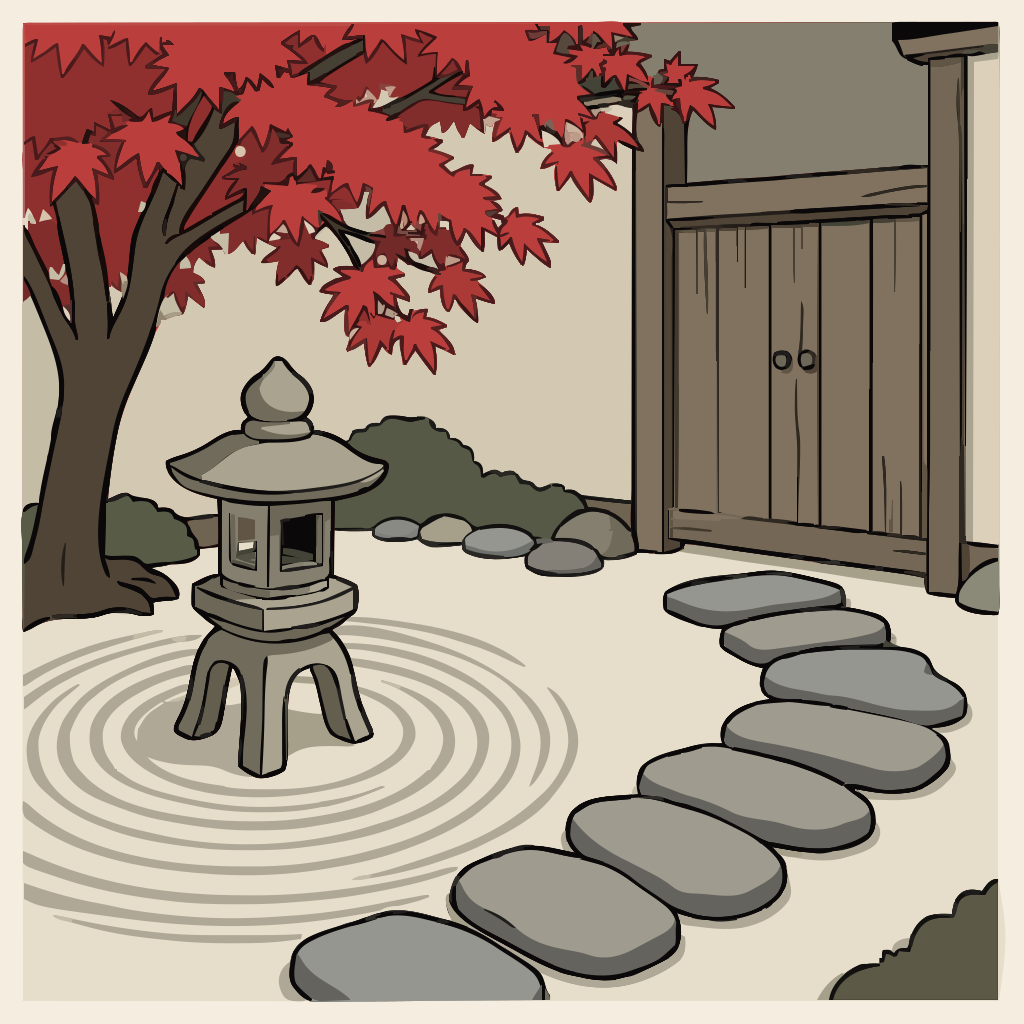
Illustrations
Scenes, characters, detailed artwork.
Illustrations work best when you name a real art style, describe the layout of the scene, and tie colors to specific objects. More visual detail in the prompt means more control over the result.
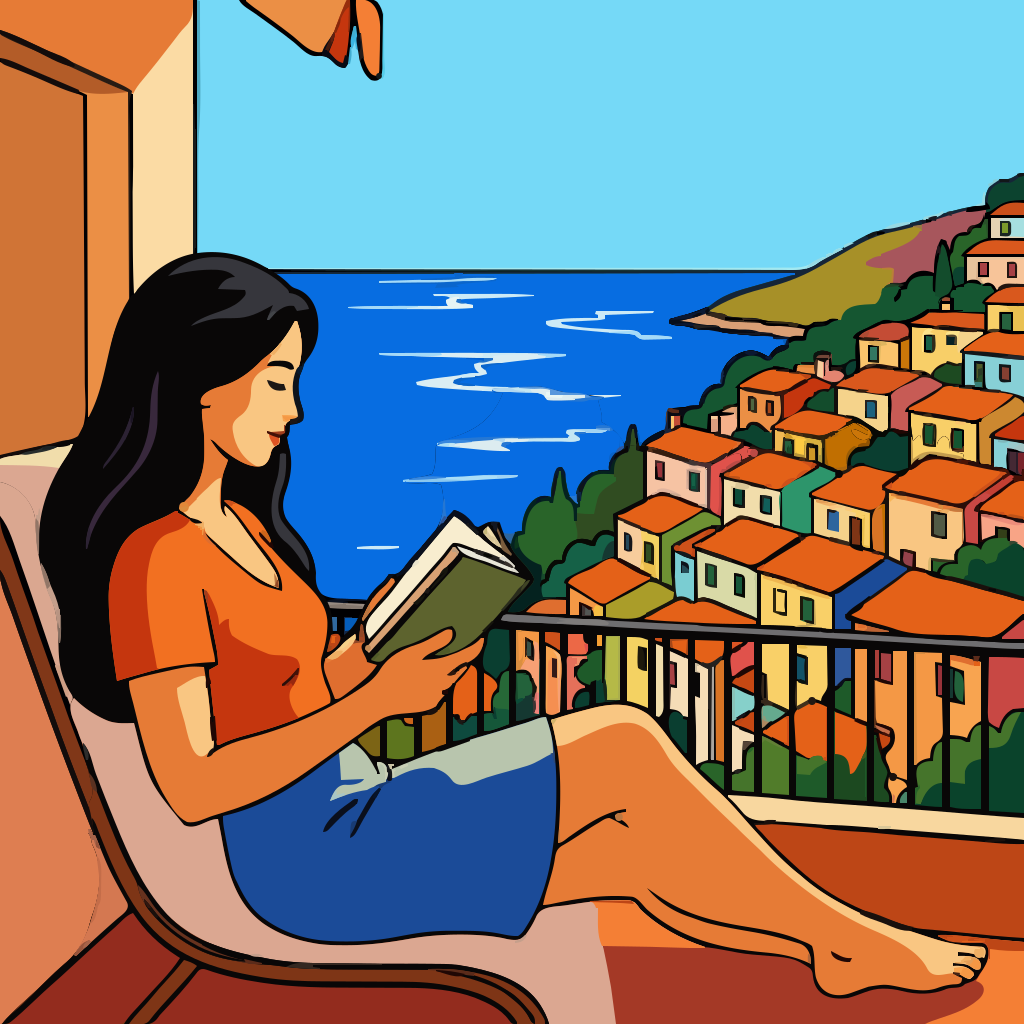
A proud fox sitting in profile, rich burnt orange fur with cream chest markings, bushy tail curled around its paws, in the style of Charley Harper, bold flat color fields
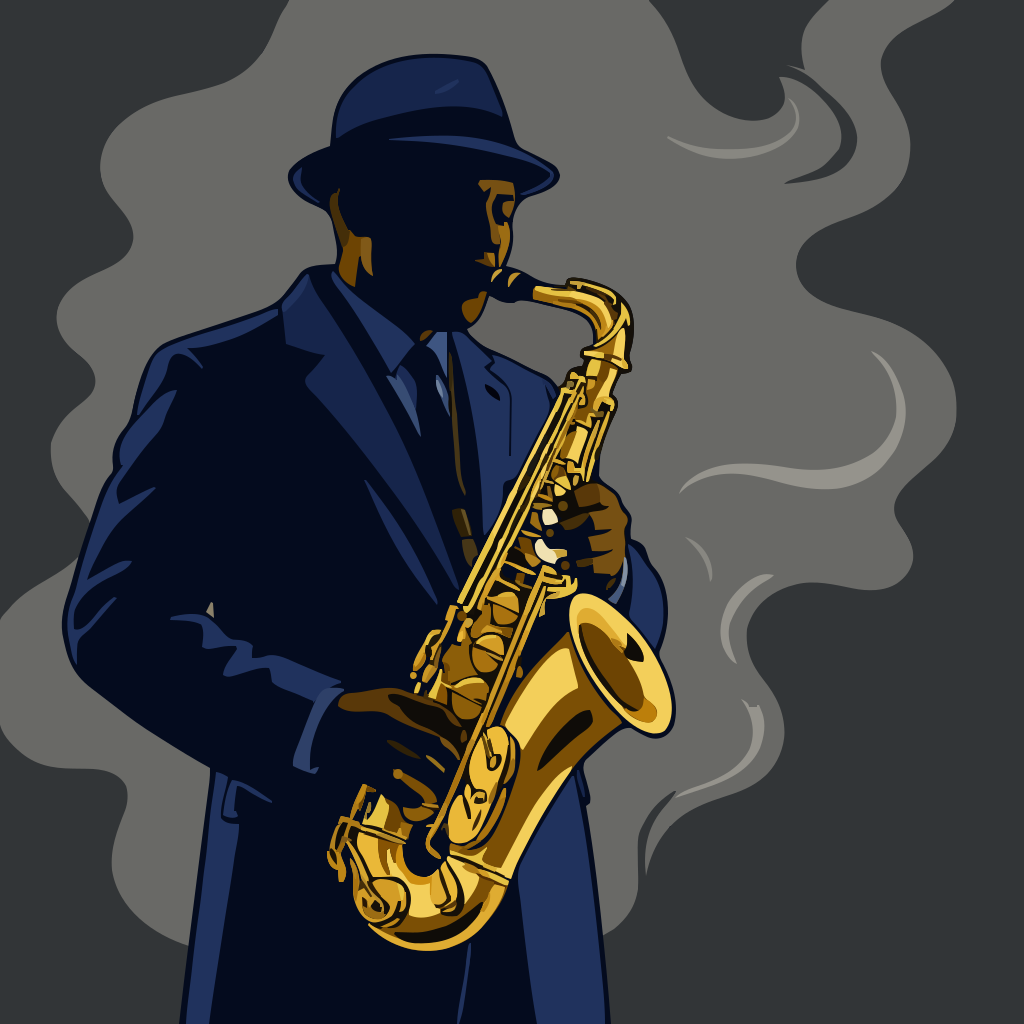
A jazz musician playing saxophone, dramatic side-lit silhouette, midnight blue coat, brass gold saxophone, smoke wisps, Blue Note album cover aesthetic
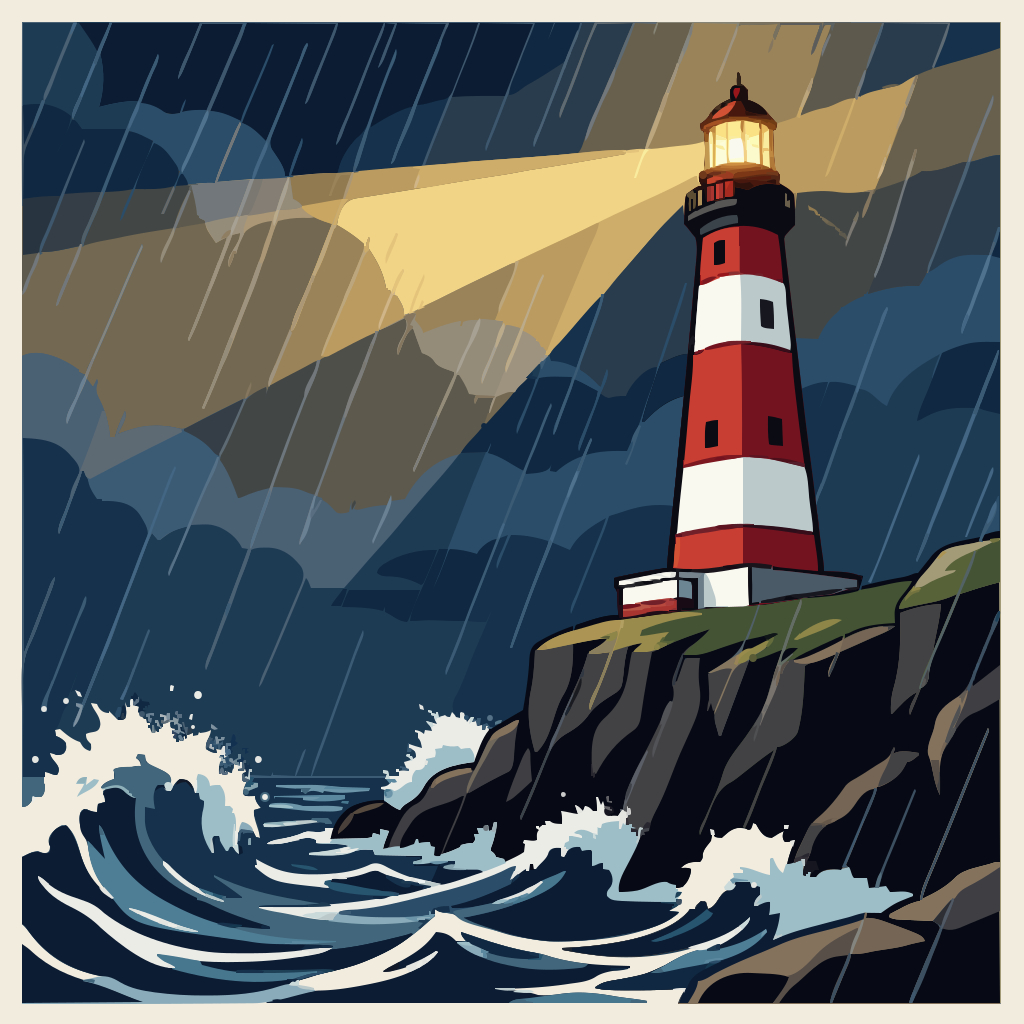
A lighthouse on a rocky cliff at night, bold stripes of white and red, sweeping beam of yellow light, WPA National Parks poster style


Logos
Emblems, badges, wordmarks, lockups.
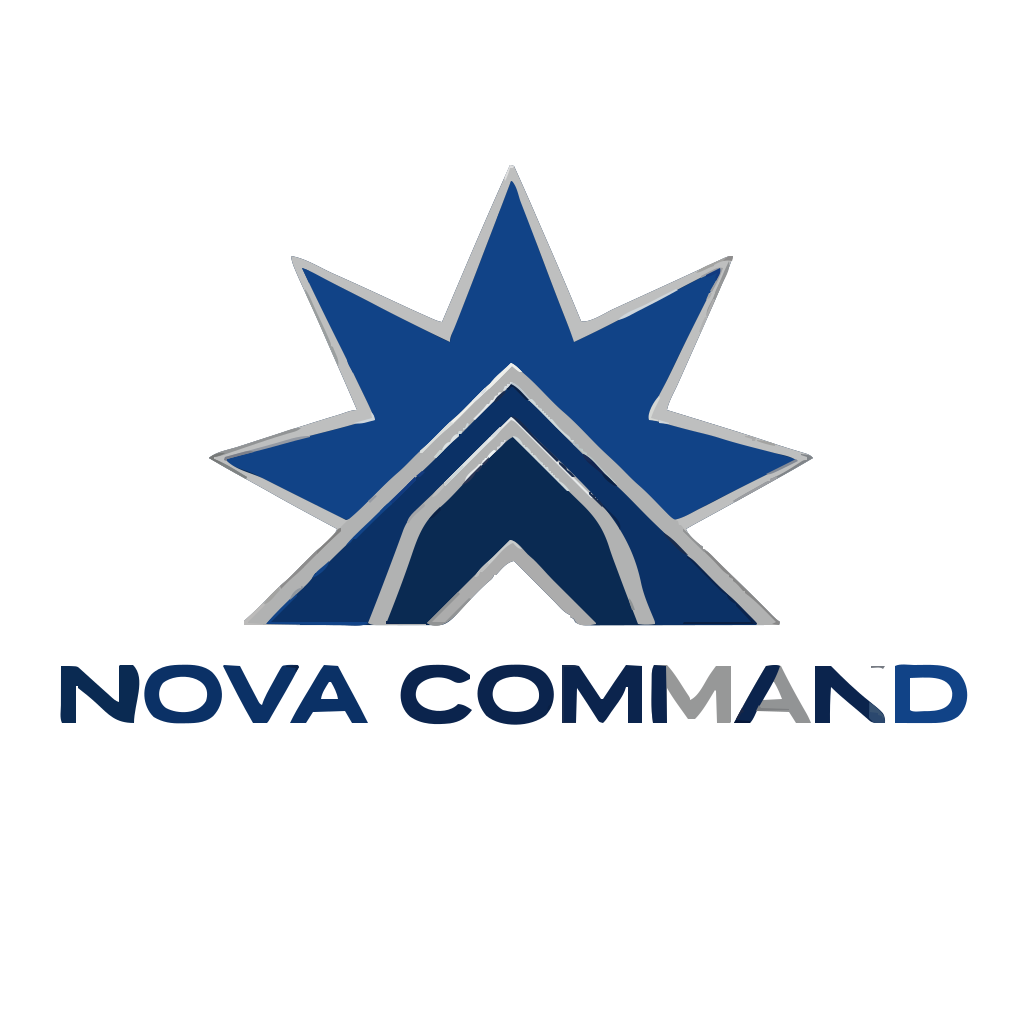
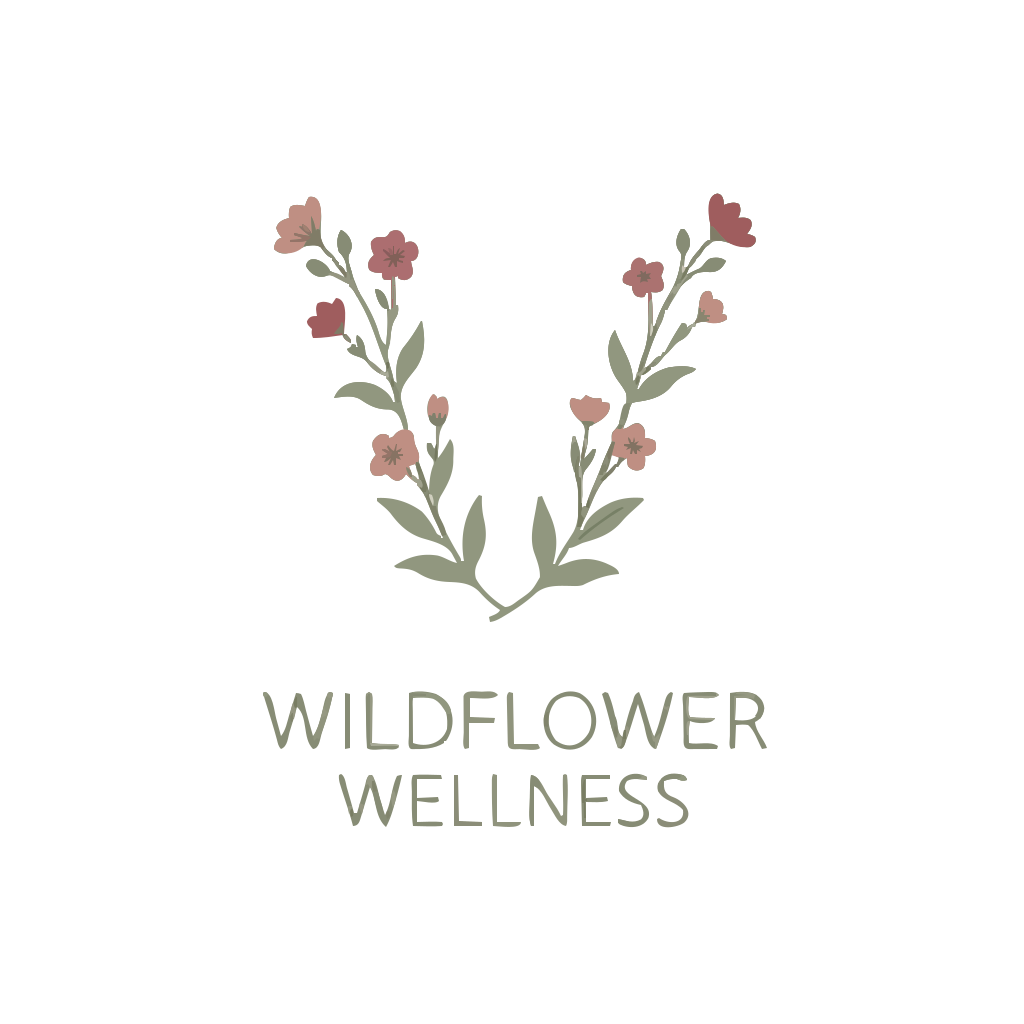
Logo prompts work well when you name the layout shape ("circular emblem," "horizontal lockup") and specify typography style. Adding hex color codes tied to specific elements gives you reliable, repeatable results.
Craft brewery badge — bold hop cone icon, golden wheat ring, vintage craft label, deep forest green #1B4332 with copper #B45309
Abstract rising bar chart bending into upward arc, "MERIDIAN" in geometric sans-serif, Stripe-inspired tech branding, black #0A0A0A with indigo #4F46E5
Hand-lettered bakery logo, flowing script with a rolling pin illustration, circular wheat frame, warm palette of #D4A373 tan and #6B4226 brown




Icons
Symbols, monochrome shapes, system icons.
Icons need short, precise prompts. Describe the shape, say whether you want stroke or fill style, and reference a known icon library. Keep it to 10-20 words.

A stylized flame — single flowing S-curve to tapered point, inner negative space, uniform stroke, Lucide icon style, charcoal #1C1C1E
A compass needle — elongated diamond pointing north, thin circular dial, solid flat fill, premium design system style
A single leaf icon — elegant pointed oval with central vein line, uniform stroke weight, rounded end caps, Lucide icons style
Techniques for more control
Use artist and movement names
One artist name carries more information than a paragraph of adjectives. "Charley Harper" implies bold flat shapes and minimal detail. "Art Deco" implies geometric luxury with radiating patterns. Here are some references that work well.
| Reference | What you get |
|---|---|
| Charley Harper | Bold flat shapes, minimal detail, nature subjects |
| Saul Bass | Dramatic silhouettes, film poster compositions |
| Bauhaus | Geometric primary forms, primary colors |
| Art Deco | Geometric luxury, gold and navy, radiating patterns |
| Ukiyo-e | Flat color planes, bold outlines, Japanese aesthetic |
| WPA Posters | Bold outdoor scenes, limited palette, national parks |
| Matisse cutouts | Bold organic shapes, flat vivid color fields |
Attach colors to objects
Hex codes listed on their own at the end of a prompt have weak effect. Attaching each color to the element it belongs to gives you reliable results.
#dc2626, #f59e0b, #1e3a5f #dc2626 body with #f59e0b wing tips on a #1e3a5f background Set the viewpoint
Without a viewpoint specified, you get a generic three-quarter angle. Try "side profile", "seen from above", "three-quarter view", or "cross-section". Each one produces a completely different composition.
Logo composition terms that work
These layout terms are well understood by the generator:
Phrases that produce clean vectors
Since the output is SVG, phrases that describe clean geometry tend to give the best results:
Words that work against SVG
These describe effects that can exist in raster images but have no equivalent in vector paths. The vectorization step strips them out, so they waste prompt space.
Reusable prompt templates
These three structures work for any type. Copy the pattern and fill in your own details.
Subject + Style Reference
Start with a clear subject, add an art reference, anchor colors to objects, then set the composition.
A [subject with specific details], in the style of [artist/movement], [color anchoring], [composition] A great horned owl perched on a branch, in the style of Charley Harper, warm amber #D97706 with charcoal #1C1917 wing details, centered symmetrical composition
Short + Let the Pipeline Enrich
Just a subject and an adjective. The pipeline fills in style and composition for you. Useful when you want to explore ideas quickly.
a [adjective] [subject] a neon tiger
Technical Description
Specify viewpoint, materials, exact hex palette, and art reference. Use this when you have a clear picture of the result you need.
A [subject] in [viewpoint], [material language], [color palette with hex], [art reference] A vintage espresso machine in three-quarter view, polished chrome with brass fittings, #78350F espresso brown and #F5F5F4 steam, mid-century poster aesthetic